The goods are your client’s. The responsibility is yours.
From the client’s email to the signature at the door, on one platform for carriers and 3PL providers, with or without a warehouse. At any moment you know where every shipment is and whose it is, and you can prove it.
Ready for the Greek digital delivery note, mandatory from 1 January 2027: the declarations are made from the driver’s scans.
Every step is on record
The day on one screen, every delivery with who received it, when and on which route, and the office on the phone.
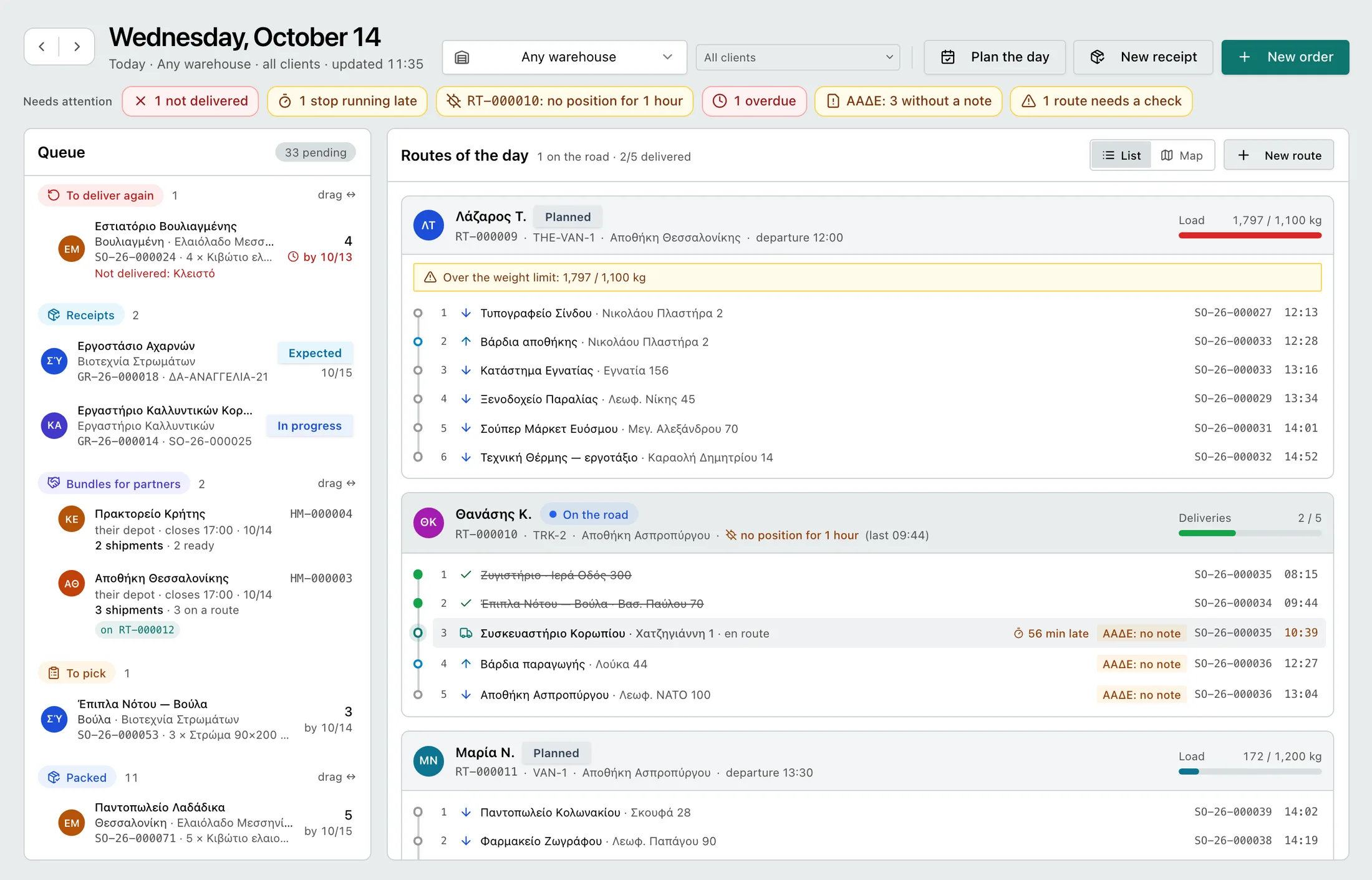
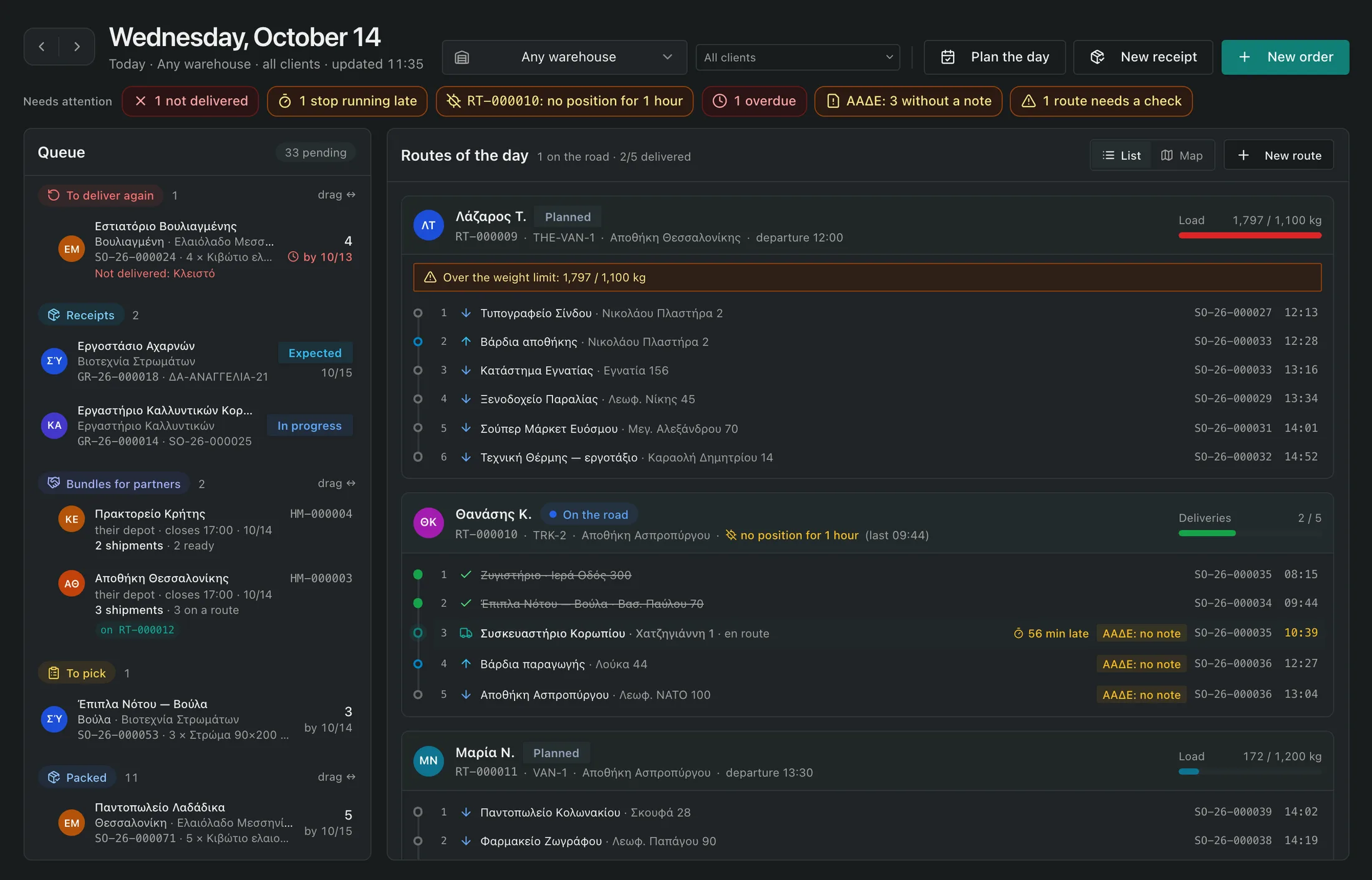
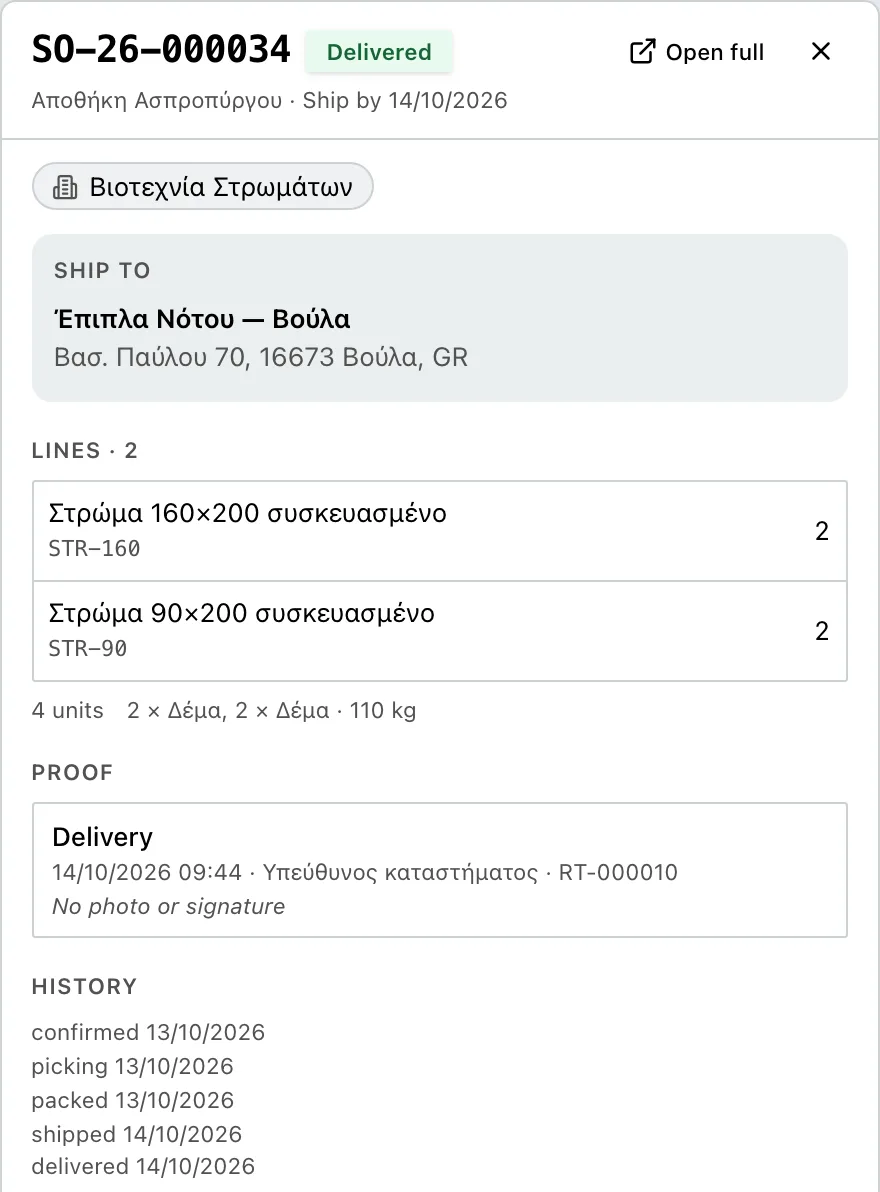
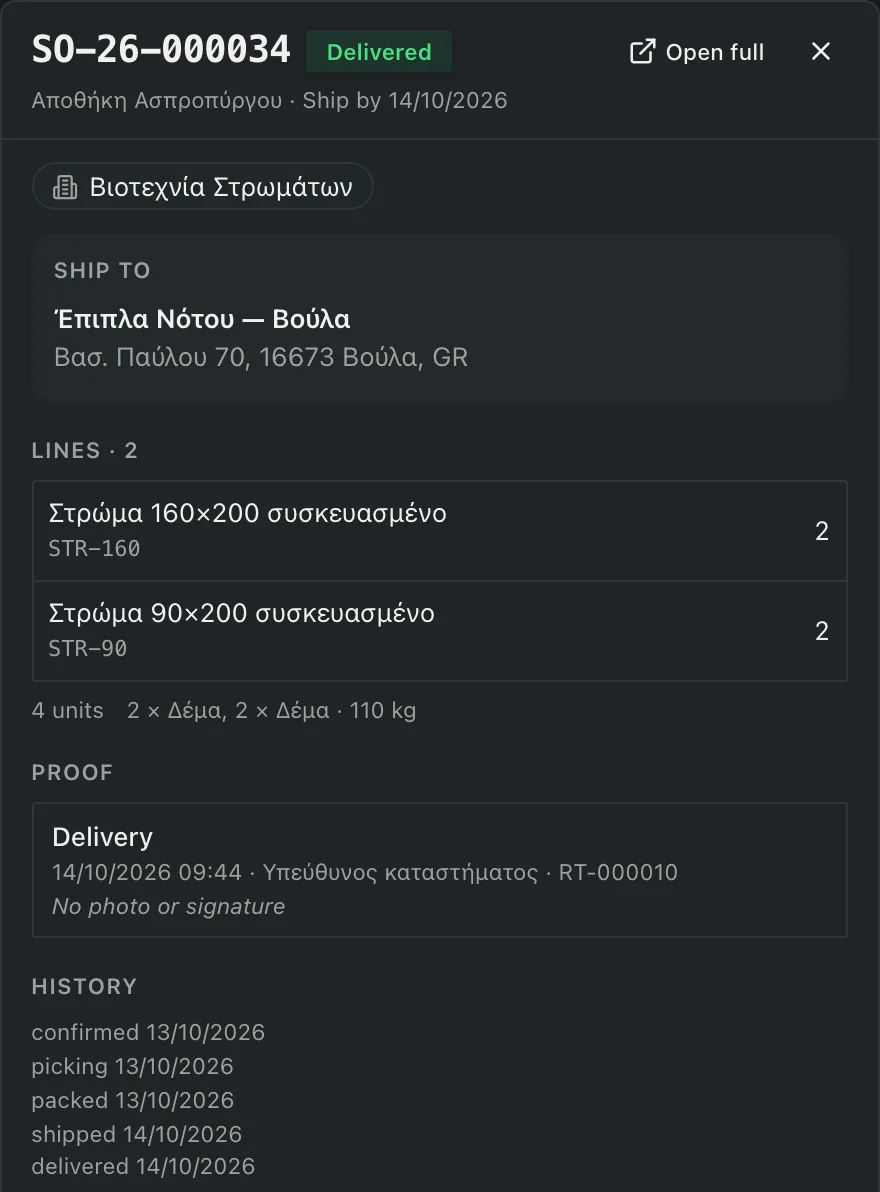
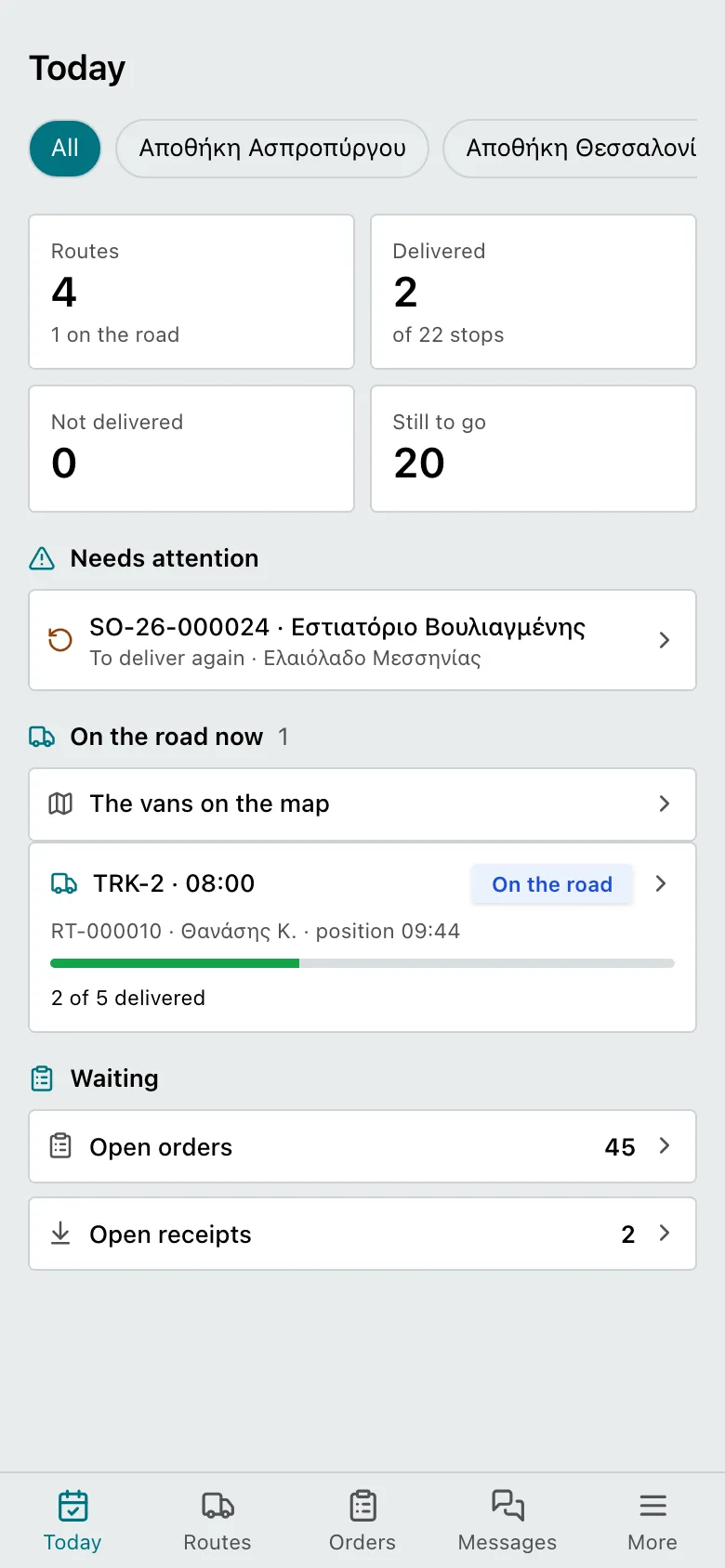
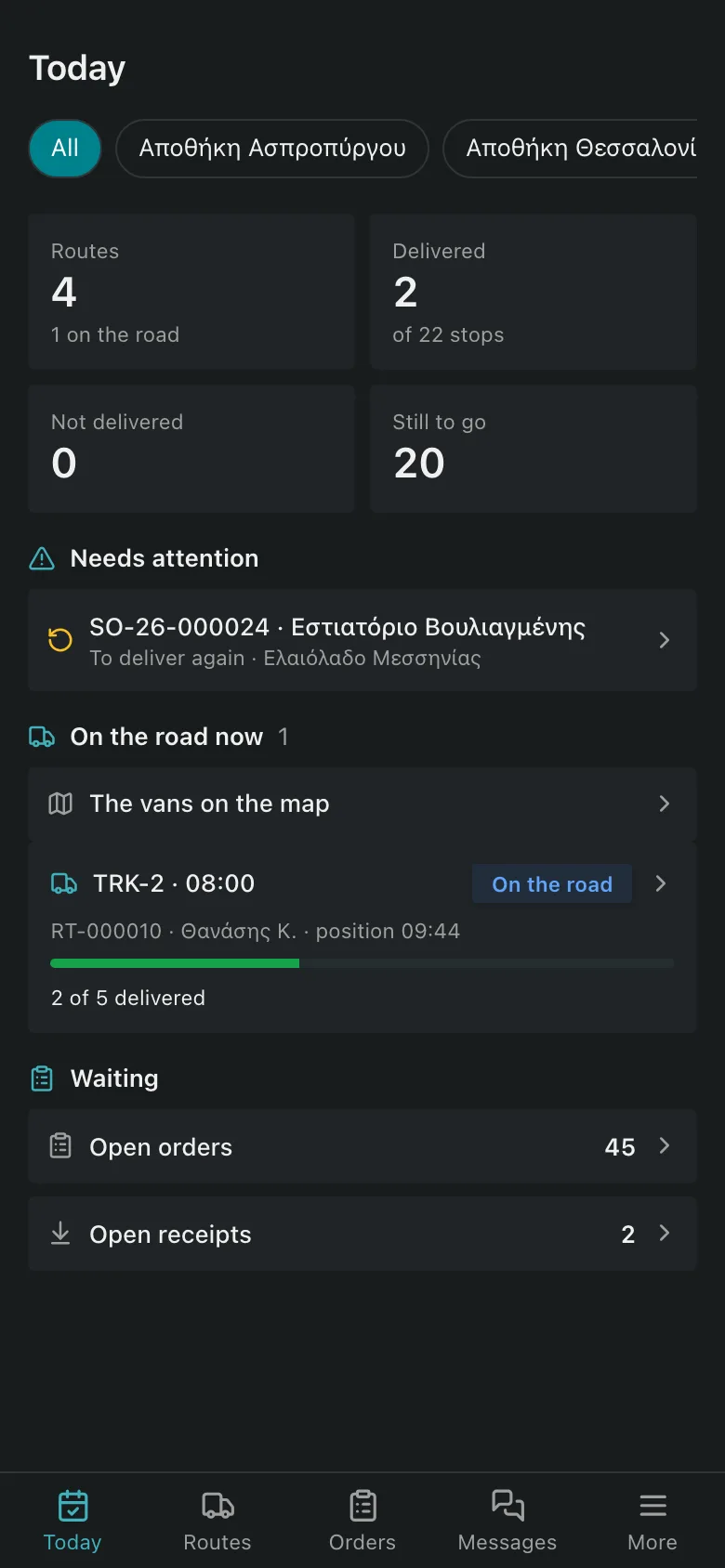
Images from a demo account.
How it works
- Step 1
Order
The client sends it from their portal or by email to your mailbox, and the AI opens it ready in the order form for you to confirm.
- Step 2
Storage, where there is a warehouse
Where there is a warehouse: scanned receiving, bins and stock per client. Transport-only carriers skip this step.
- Step 3
Automatic routing
One click spreads the stops over the fleet, by each vehicle’s capacity and each hour’s traffic. Anything bound for remote areas or the islands leaves with a manifest to the partner.
- Step 4
Delivery
The driver scans at loading and collects a signature or photo at the door. Tax-authority declarations are submitted on their own.
All of your freight on one platform
From the client’s first message to the recipient’s signature, with your own fleet or through partners, with or without a warehouse. Features switch on according to the way your company works.
Orders
Orders from emails with AI
Every company gets its own order mailbox. The AI reads emails, PDFs, Excel files or a photo, finds recipients, parcels, pallets and cash-on-delivery amounts, and opens the orders ready in the order form. Nothing is entered without your approval.
Orders from the client’s e-shop
The client’s WooCommerce shop connects with a single approval, and its orders come in by themselves every five minutes, as drafts for you to confirm. On delivery they turn “Completed” in the shop as well.
An AI assistant for the office and the warehouse
Ask in plain words what is still open, where a driver is or how to do something in the app. The assistant knows which order or route you have in front of you, prepares orders from text and plans tomorrow from a single sentence. Nothing runs without your confirmation.
Addresses that are verified
Every address is checked on the map as it is entered: you see whether the door, only the street or only the area was found, and you move the pin by hand where needed.
A client portal under your brand
Each of your clients has their own access with your logo and colours: orders, deliveries, stock and the monthly statement, with email notifications you set per client.
Routing and delivery
Automatic routing on one screen
The queue, the routes, the vehicles on the road and the map on one screen. One click spreads the stops over the whole fleet, by each vehicle’s capacity and each hour’s traffic, and the screen shows first whatever needs attention.
Driver app
On the driver’s phone, Android or iPhone: the day’s routes, a scanned load check, a signature or photo at each stop, a reason when a delivery is not completed, pick-up of bundles from partner depots and direct contact with the office. The recipient follows the delivery from a link.
The office on the phone
The director and the dispatcher follow the day from the phone: what needs attention, which vehicles are on the road, orders, messages. They approve the mailbox’s orders, enter new ones by hand, from text or from a photo, assign them to a route and plan the fleet’s whole day.
Conversations with clients and drivers
Every order has a conversation with the client and notes for the office. The driver sends a message and a photo from the stop, and the client replies from the portal or from their email.
Delivery notes, partners and cash on delivery
Greek digital delivery note
Loading, transshipment and delivery are declared to myDATA from the driver’s scans. The warehouse issues its own delivery note with a QR code on the labels, and one group QR covers the whole load. Ready for the obligation of 1 January 2027.
Partner network and depots
Set which partner covers each postcode and island. Shipments leave with a manifest, the partner reports deliveries from a link, and its statement is checked against the cost you agreed.
Cash on delivery under full control
At any moment you know what partners collected and owe you, what you hold and what you owe each client.
Warehouse and month close
One warehouse, many clients
Many clients’ goods in the same building, by bin, lot and expiry, without ever mixing their stock. Every movement records who made it and when. Nothing is deleted, every mistake is reversed.
Barcodes at every stage
Bin, pallet and parcel labels with barcodes, for a thermal printer. Scan with a handheld scanner or the phone’s camera, from receiving to loading.
Price lists, costing and month close
Rates by zone, weight, pallet or packaging, storage charges, and surcharges only when the order calls for them. The month closes with a statement per client and an export for the accounts department.
Roles and permissions per position
Director, dispatcher, accountant, warehouse staff, driver: each sees only what their job needs.
Frequently asked questions
Who is WooCargo for?
Carriers, with or without a warehouse of their own and with one or more branches, and logistics providers (3PL) that store and distribute goods on behalf of others. Their clients get their own portal for their orders and stock.
How much does it cost?
From €10 a month. For anything you would like to know about the price, write to us at hello@woocargo.com.
I only move freight, with no storage for others. Does it cover my case?
Yes. Transport orders need no stock: pickup from the sender or drop-off of the parcels at your premises, a route and a delivery, or hand-over to a partner depot for distant destinations. The warehouse features simply do not appear in your menu. Two branches with a line between them are supported as well.
I work on my own with one van. Is it for me?
Yes. Sign up from the Android app, tap “I drive too” and you become your account’s driver. From the phone you set up your base, your vehicle and your clients, enter orders, plan the day and make the deliveries, with no computer. The solo driver plan costs €10 a month.
Does it cover the Greek digital delivery note?
Yes, for carriers in Greece. The duty to declare loading, transshipment and receipt applies from 1 January 2027 and WooCargo is already ready: enter your myDATA credentials in the settings and the declarations are submitted from the driver’s scans. When your warehouse ships a client’s goods, it issues the delivery note itself, with a QR code on the labels.
Does the AI enter orders without a check?
No. Whether you paste text or an email arrives in your mailbox, the AI prepares the orders and opens them in the order form, where you check, correct and confirm them. The same text a second time does not create duplicate orders. Over time the system learns which sender corresponds to which client.
How is routing done?
Automatically. You pick the day and the available vehicles, and the algorithm distributes the orders across routes in the best stop sequence, respecting each vehicle’s capacity, the recipients’ time windows and the traffic of each hour. You see the result on the map and change whatever you like by hand before sending it to the drivers.
Which scanner and printer do I need?
Any handheld scanner that works as a keyboard, wired or Bluetooth. On a phone the camera is enough. Labels are exported as a PDF at label size, for a thermal printer.
Is there an app for drivers?
Yes, for Android and iPhone. Drivers open their route, confirm the load by scanning, collect a signature or photo at each stop or record the failure reason, pick up bundles from partner depots and talk to the office. The vehicle’s position shows on the office map and the recipient follows the delivery from a link.
How do the office, the drivers and the clients communicate?
Inside the platform. Every order has a conversation with the client, every driver a direct conversation with the office, and messages arrive with a notification on the computer and on the phone. The client can also reply from their email.
Can I store several clients’ goods in the same warehouse?
Yes, that is the system’s core design. Stock is kept per client, product, lot and condition, inside a warehouse that belongs to you.
Does it replace my accounting or invoicing software?
No. WooCargo keeps no books. It works out the charges to your clients, closes the month with a statement per client and exports the figures for the accounts department. Invoices are issued by the invoicing software you already use.
How do I start? My data is in Excel.
Clients, bins, items, opening stock, recipient addresses and price lists are imported from Excel or CSV, and the column mapping is kept for the next import. A new company starts with ready-made zones for its country and the standard delivery failure reasons, so the first order goes in the same day.
Where is my data hosted?
On servers in Frankfurt, within the European Union, as set out in the Terms of Service and the Data Processing Agreement. Each of your clients’ stock and movements are visible only to you and to them.
Organise your freight starting today
Create an account, enter your first client and forward their first order to your mailbox.
From €10 a month.
Would you like to talk first? hello@woocargo.com · +357 22397742